Built for me. Now available for you. A small portfolio of products I make for myself, then share. n=1 to ∞.

The portfolio.

Two projects so far. Click a card to expand.

PIKA · virtual fashion try-on

Try anything on, instantly.

See how outfits look on you, directly from any website. Renders the try-on in seconds. Live in beta — works on 40,000+ stores.

Live in beta
Add to Chrome Free · Works on 40,000+ shopping sites
how it works

The move.
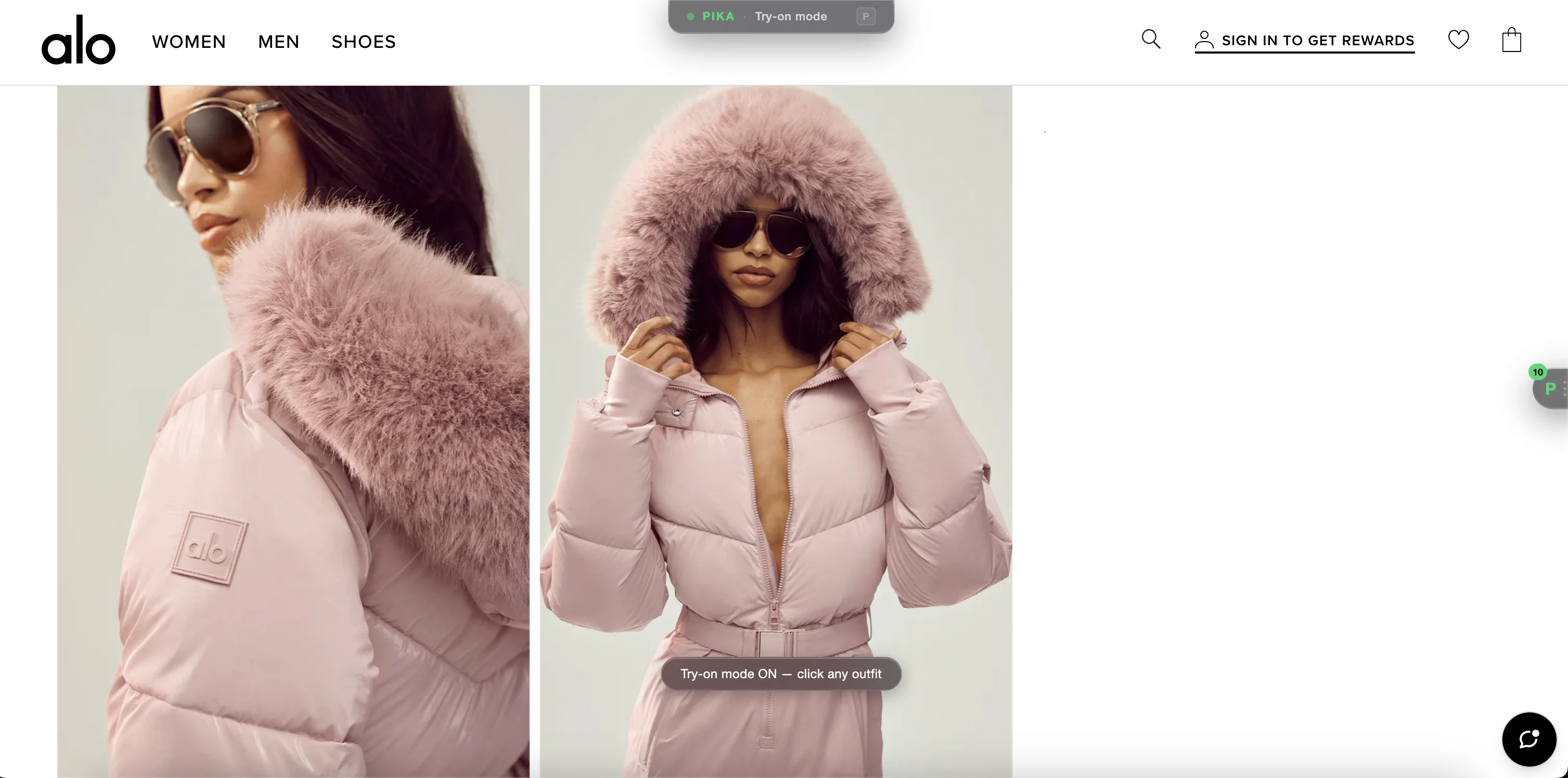
Press P to activate try-on mode
on Alo Yoga

Press P

One keystroke. Any shopping site becomes a fitting room.
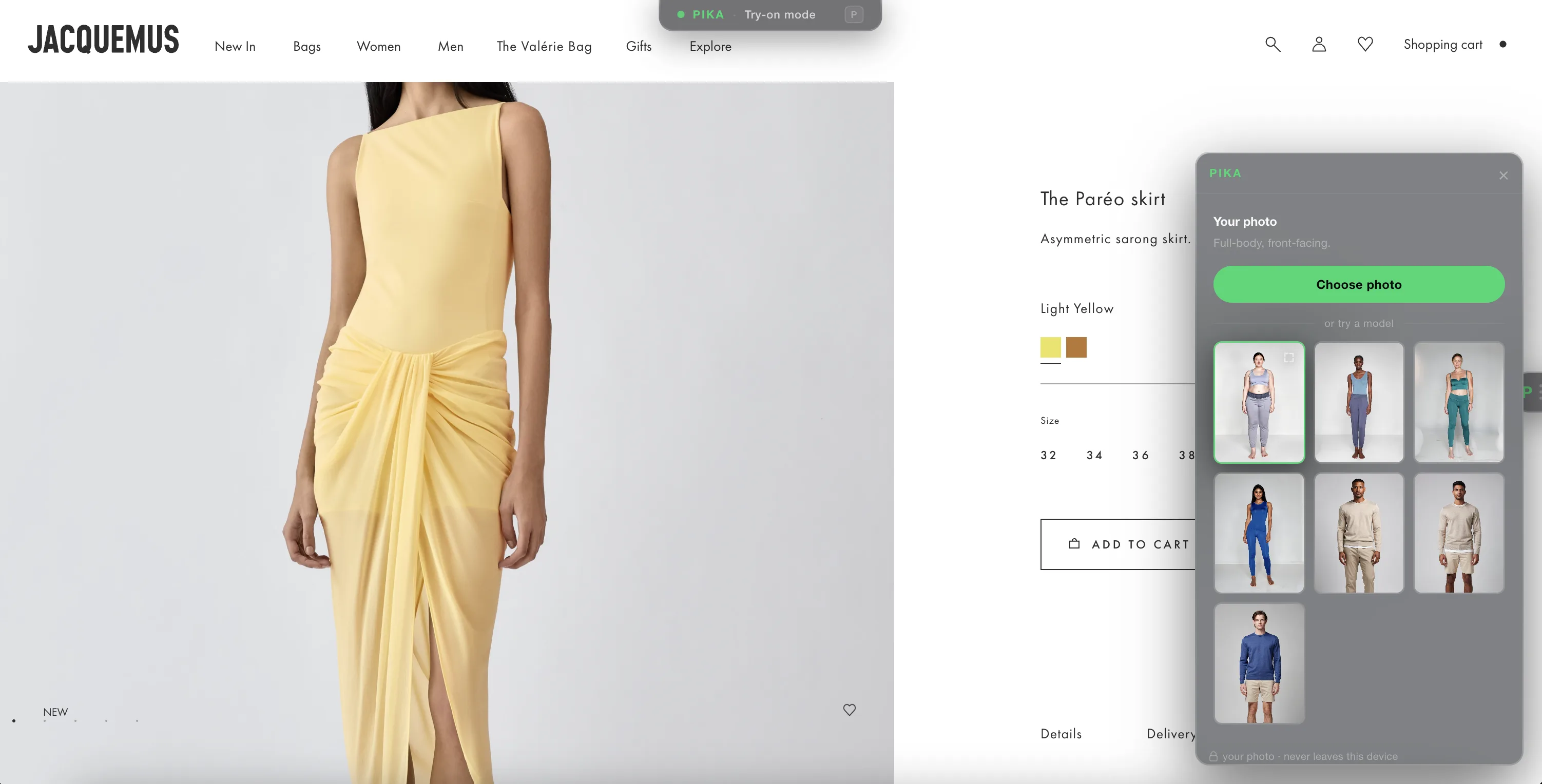
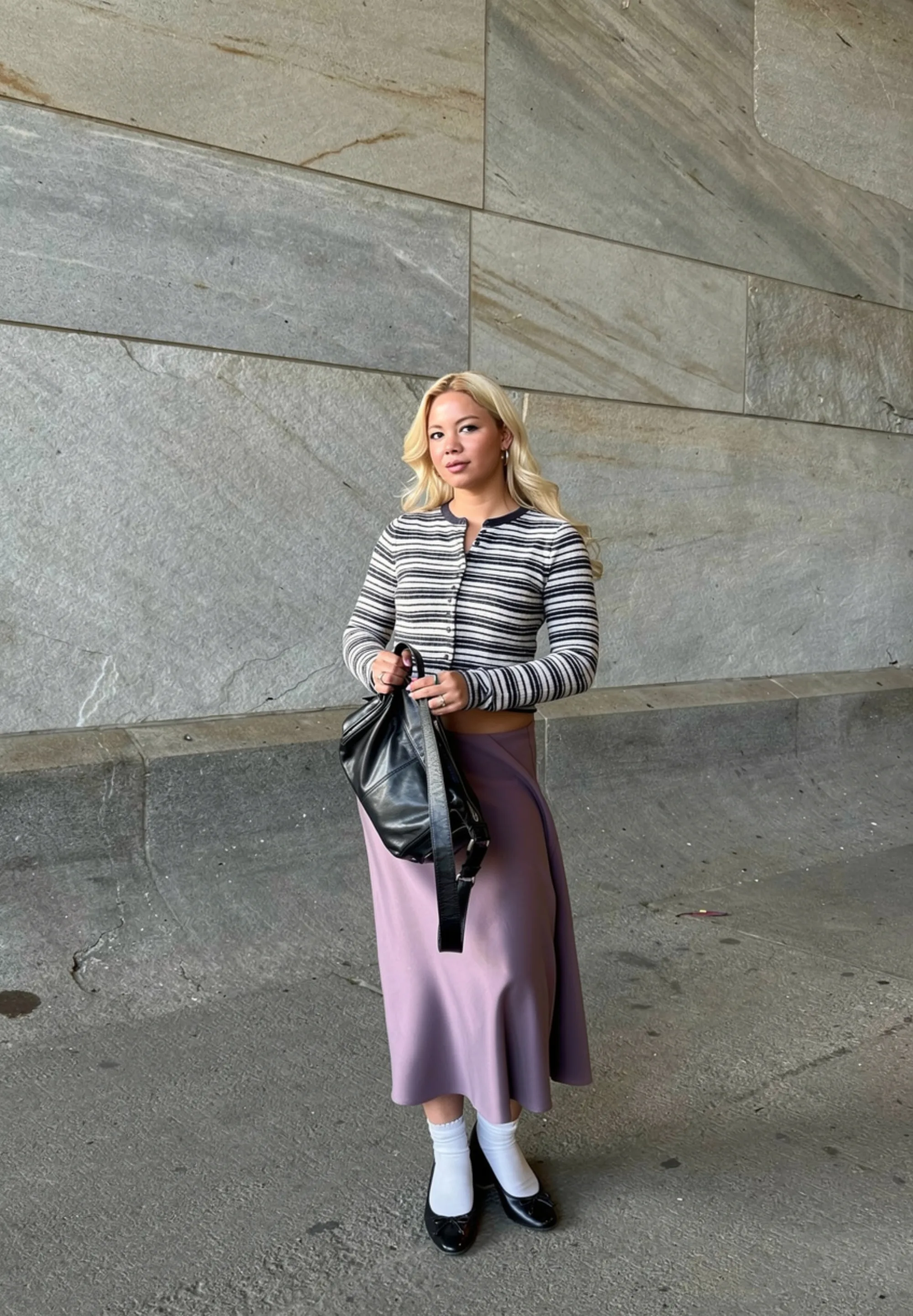
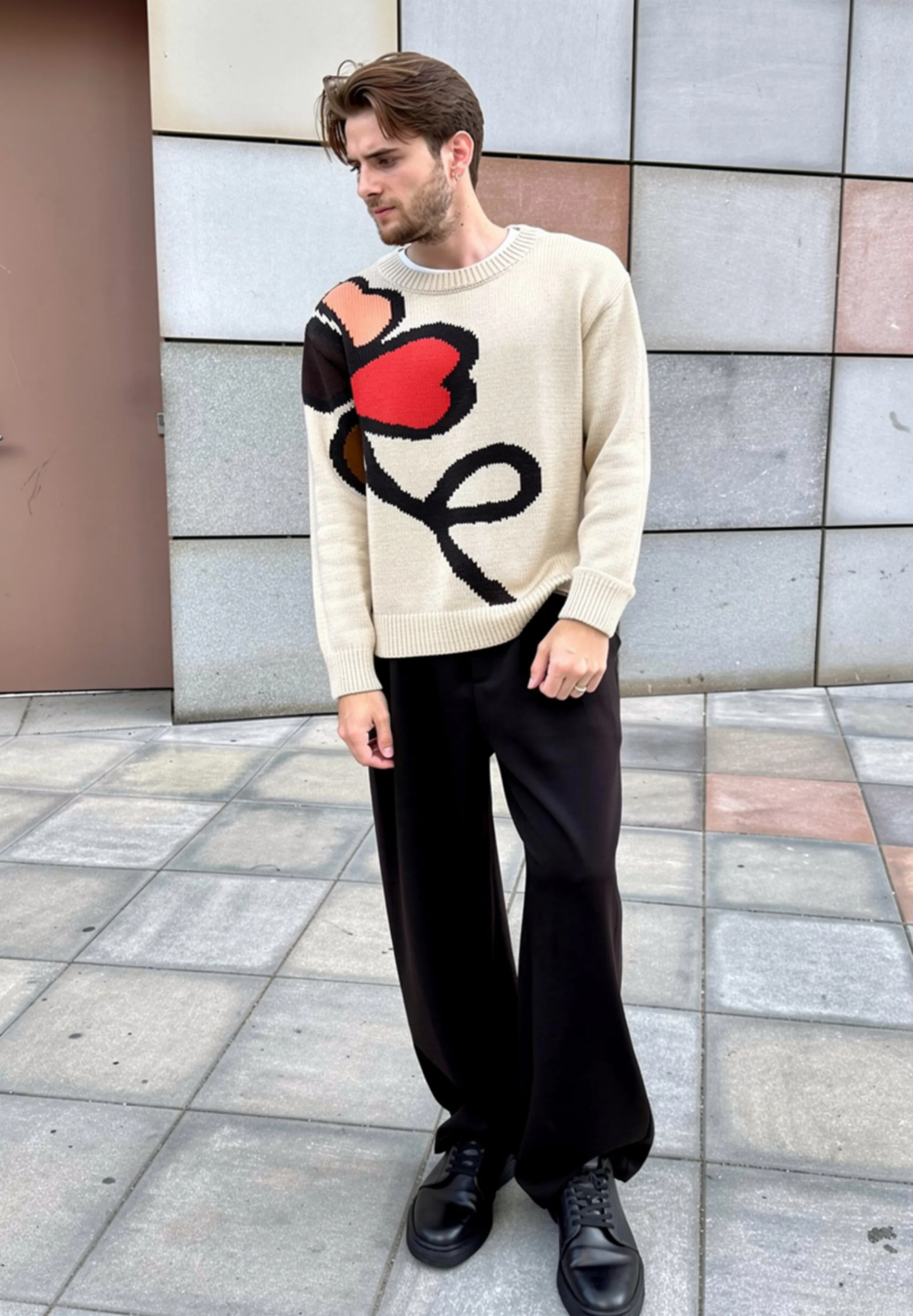
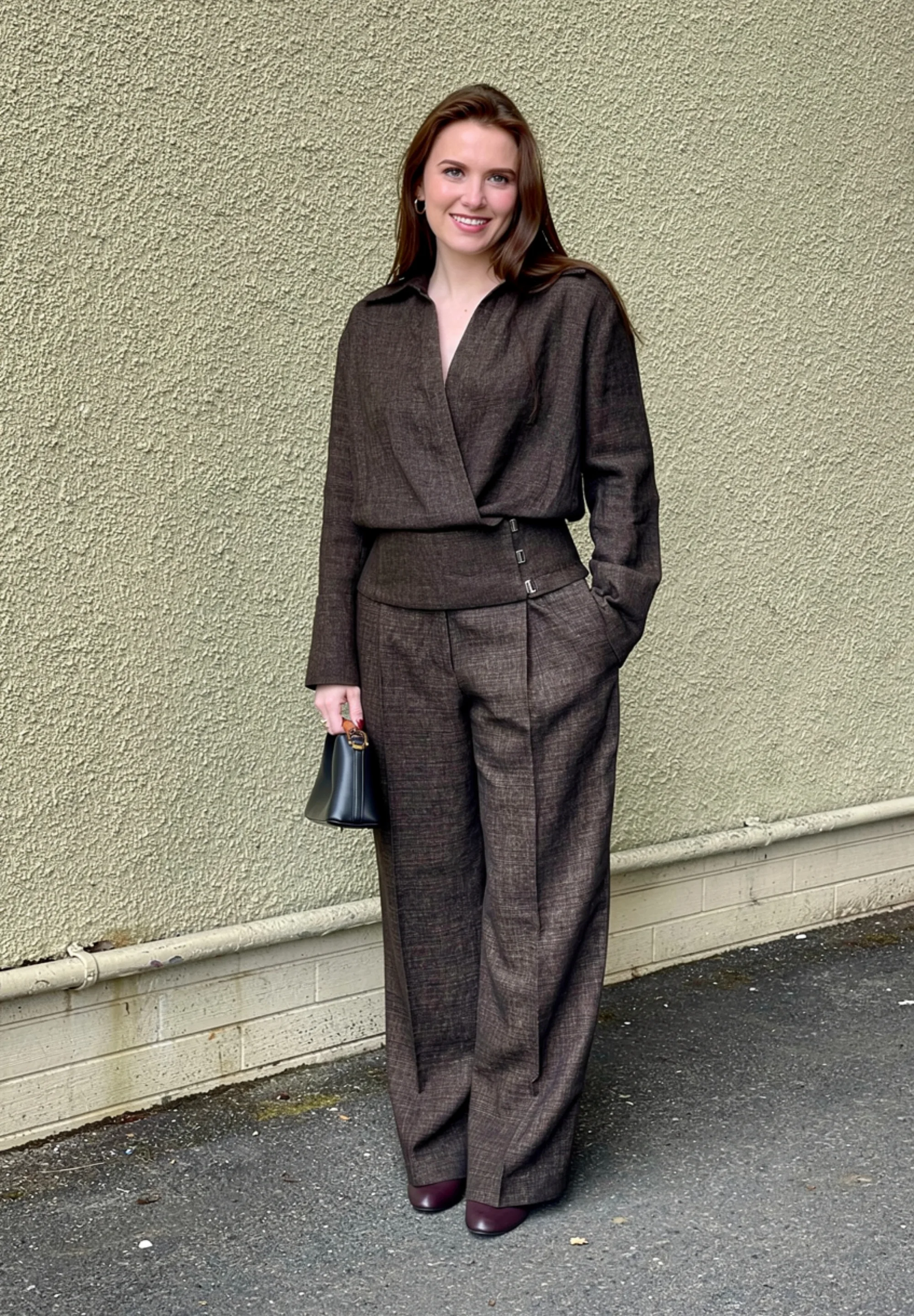
Upload or choose a model photo
on Jacquemus

Upload or choose a photo

Use yours, or pick a model. Done once — remembered forever.
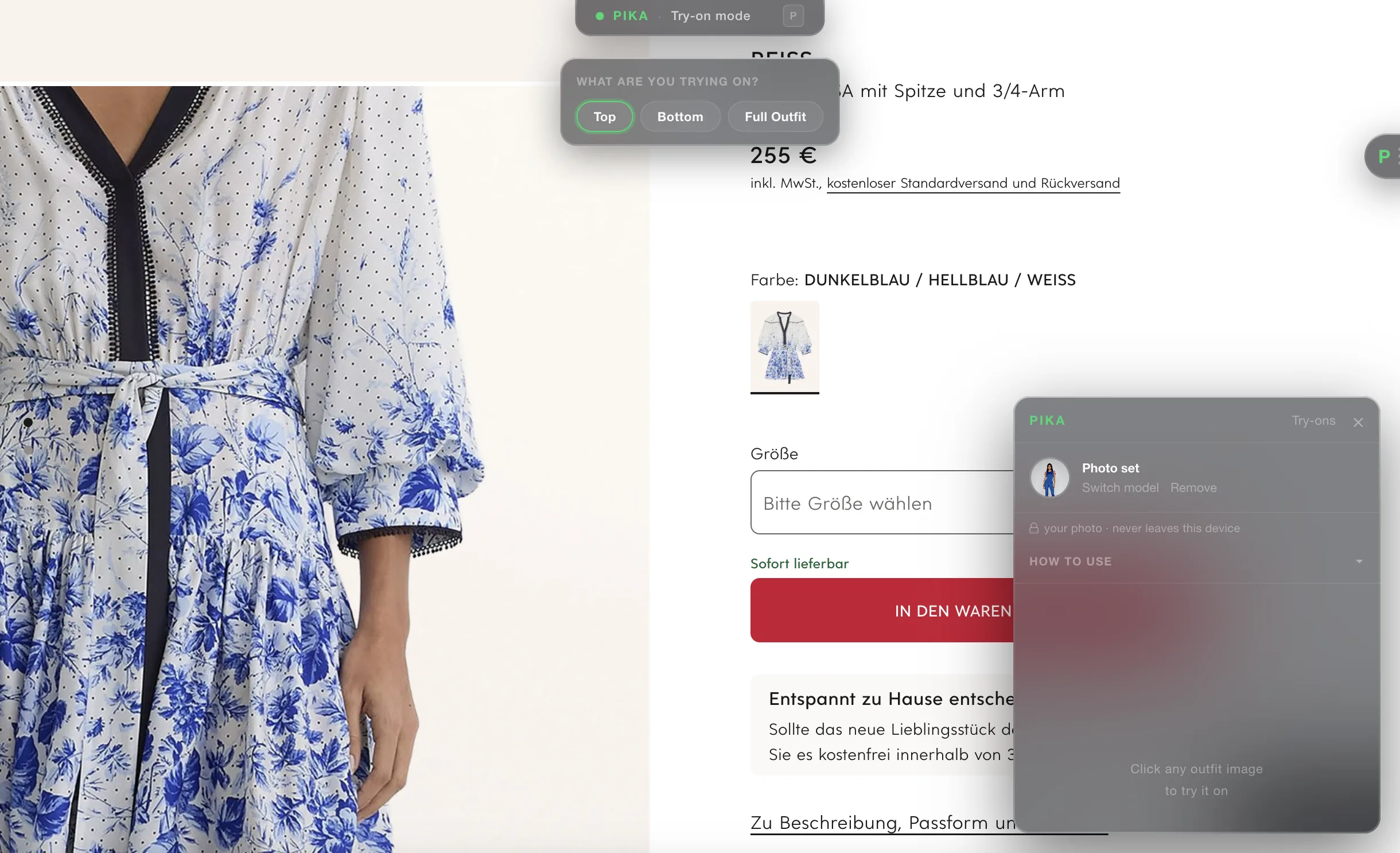
Select top, bottom or full outfit
on Reiss

Pick the piece

Top, bottom, or the full look. PIKA knows where to put it.
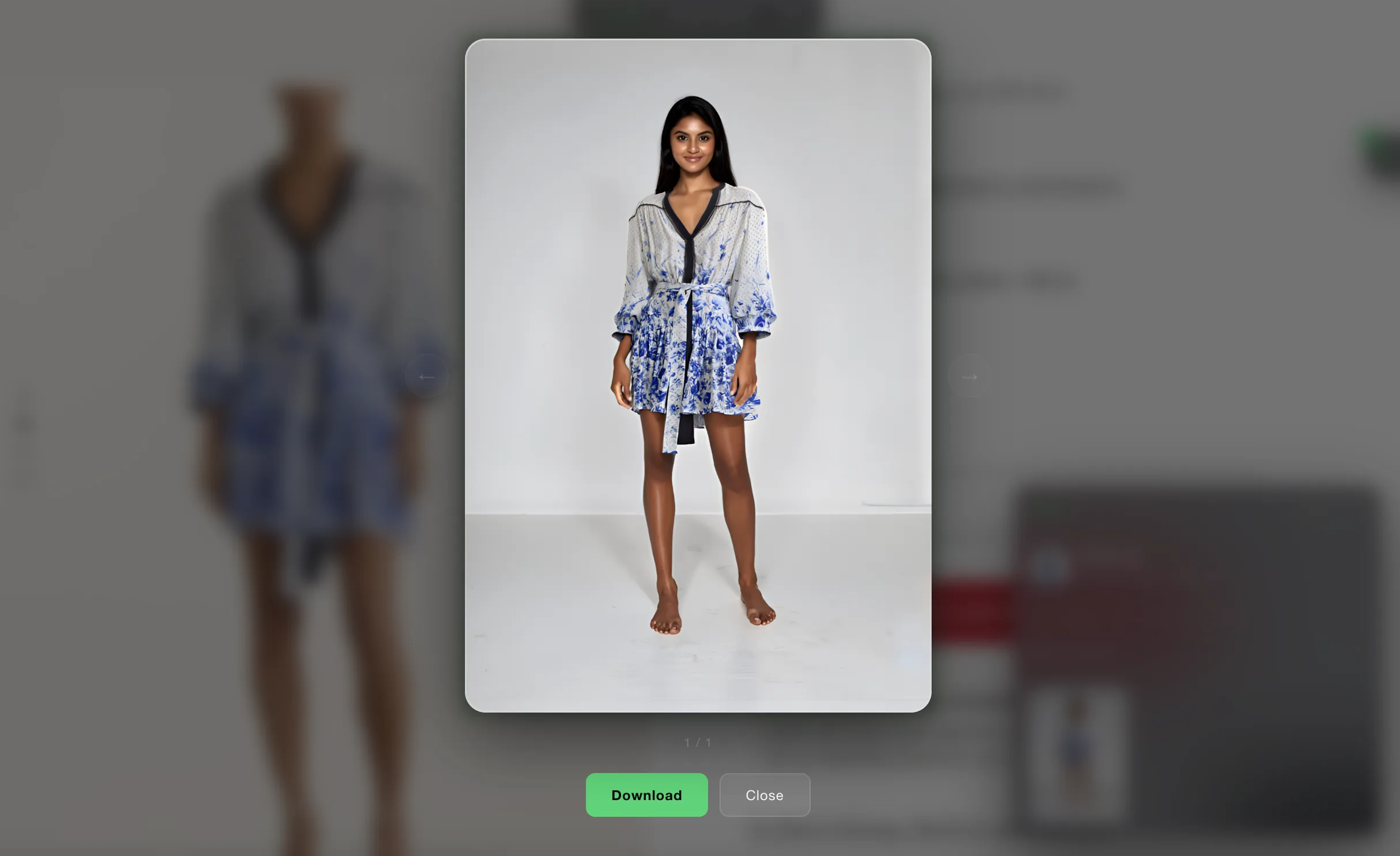
Try-on complete
result

Wear it first.

Photorealistic. On you. In under 25 seconds.
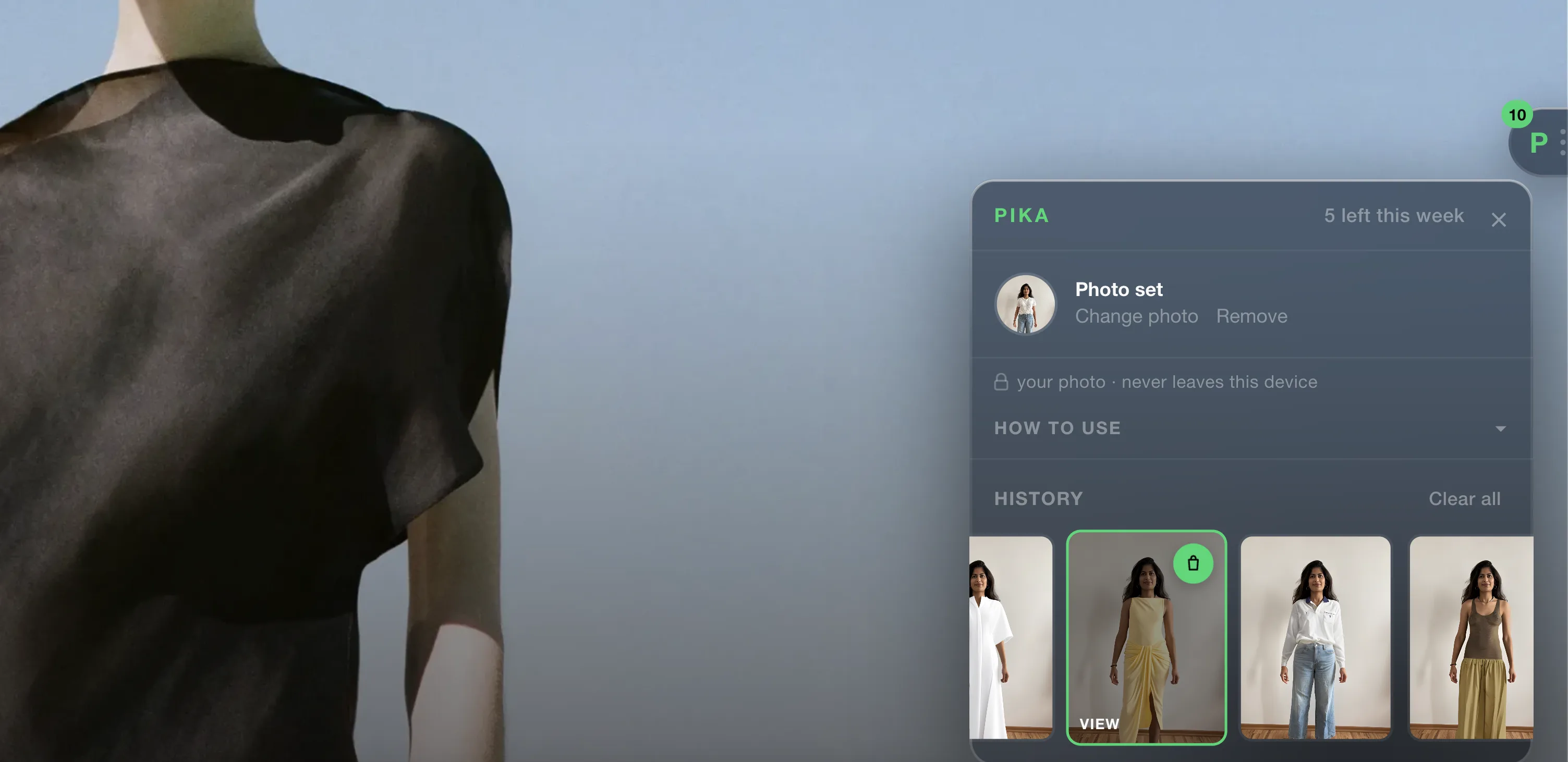
History — revisit any try-on
history

Go back, anytime.

Every look is saved. Jump straight back to the product page.

privacy first

Your uploaded photo never leaves your device.

Try-on results are never used for training or marketing.

Try outfits anywhere you shop.

ZARA Aritzia MANGO Reformation COS Massimo Dutti Ralph Lauren +40,000 more stores
Add to Chrome

Free · No account needed

Tab Finder · keyboard tab search

Find any tab, in under two seconds.

Search every open tab in Chrome with one keyboard shortcut. No more digging through dozens of tabs across multiple windows.

Coming soon
the problem

50 tabs. 4 windows.
One you need.

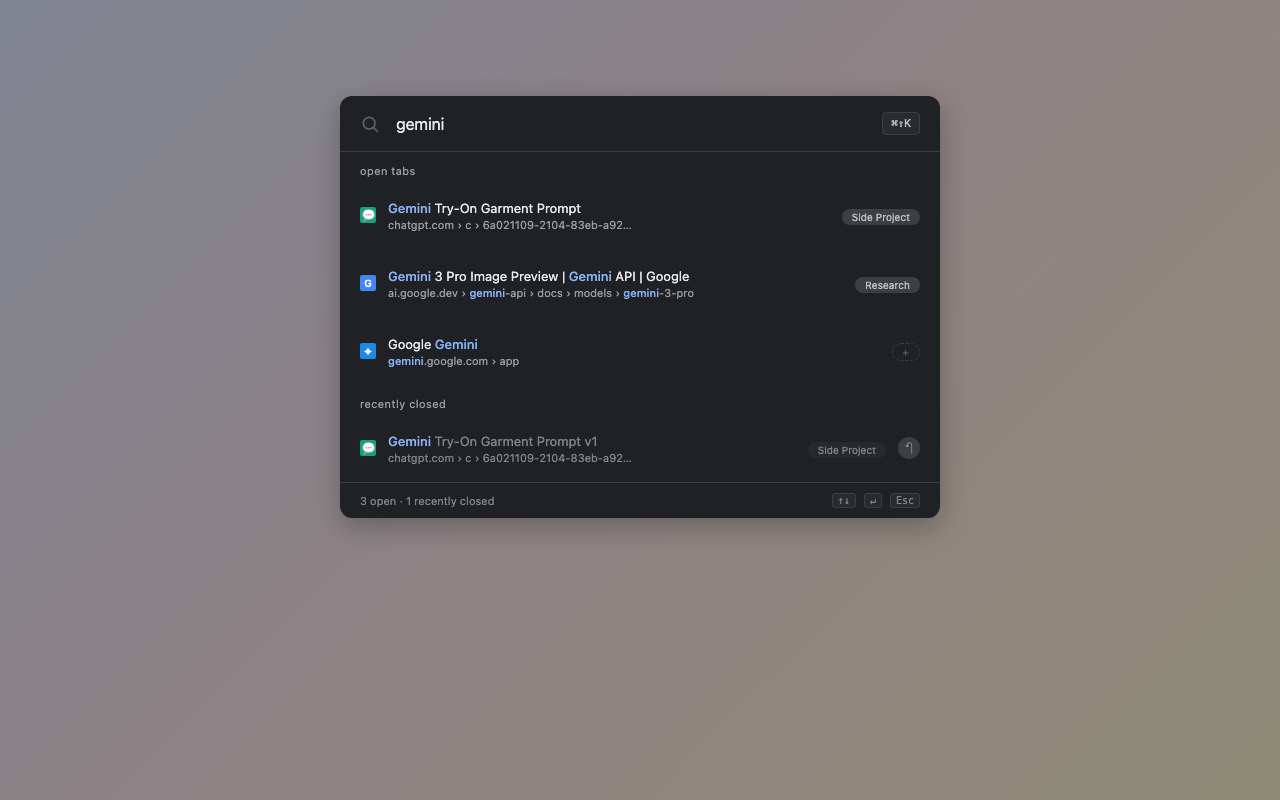
When the tab strip is unreadable, you're not browsing — you're hunting. Tab Finder is a keyboard-first overlay that searches every open tab and every recently closed one, across every Chrome window.

Tab Finder overlay searching tabs across windows
what it does

Keyboard-first. Privacy-first.

K

One shortcut

Open the overlay on any page. Cmd+Shift+K on Mac, Ctrl+Shift+K on Windows and Linux.

Jump across windows

Type, hit Enter. Chrome focuses the right window and activates the right tab automatically.

Recently closed

Closed a tab by accident? Still searchable. One click restores it with its label still attached.

Label any tab

"Work", "Side Project", "Reading." Labels are searchable, tied to URLs, and sync across devices.

Hidden by default

The list stays hidden until you type or click reveal — safe for screenshots, screen-shares, streams.

Nothing leaves your browser

No servers. No analytics. No accounts. No data ever sent off your device.

Coming soon to the Chrome Web Store

Submitted for review. Will be live as soon as Chrome approves.

Read the privacy note →